
In 2020, working from a Nagpur home meant a laptop on the dining table and a background of laundry on
a video call. Five years later, the expectation has shifted completely. Professionals in Nagpur who work
from home — fully remote, hybrid, or freelance — are designing dedicated home offices, not improvising
in the kitchen. Companies are asking employees to be camera-ready on calls. The quality of the home
work environment now has direct professional visibility.
Home Office Design in Nagpur: Full Setup and Cost Guide
Designing a home office in Nagpur well requires thinking about the space differently from every other
room. It has to support focus, project professionalism on camera, handle our climate, and be genuinely
pleasant to be in for eight or more hours daily.
Home Office Design in Nagpur
Room Selection and Acoustic Priority
If your Nagpur flat has a third bedroom or a dedicated room that can be allocated to a home office, use it.
The acoustic separation from the rest of the home is not a luxury in a Nagpur context — it is a professional
necessity. Nagpur homes are not quiet environments. Traffic from nearby main roads, construction activity
across the city, neighbours, household activity — all of this travels through walls, especially in the newer
residential developments along Wardha Road, Besa, and Katol Road where buildings are densely packed.
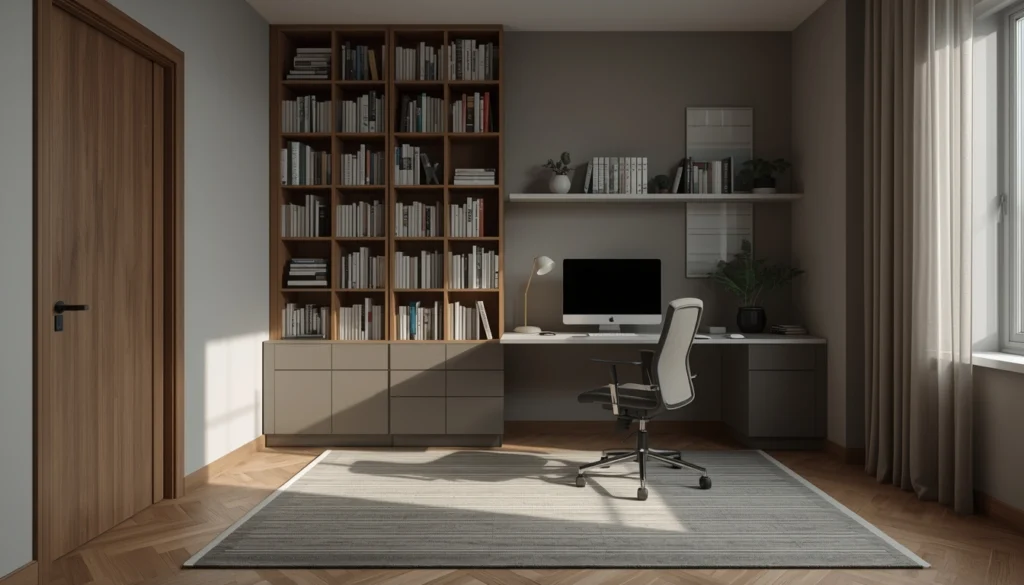
For acoustic management in the home office: solid-core door rather than hollow builder door, a carpet or
rug on the floor (hard floors reflect sound, soft surfaces absorb it), and a bookcase filled with books on the
wall facing the primary noise source. These three elements reduce echo and noise transmission without
acoustic treatment panels that look clinical.
The Desk Setup: Ergonomics and Screen Position
Most home office furniture in Nagpur homes fails ergonomically before it fails aesthetically. A dining
chair at a dining table is not a workstation. The monitor is too low. The chair height is wrong for sustained
typing. The table is too shallow for comfortable keyboard and mouse positioning with a monitor at the
correct distance.
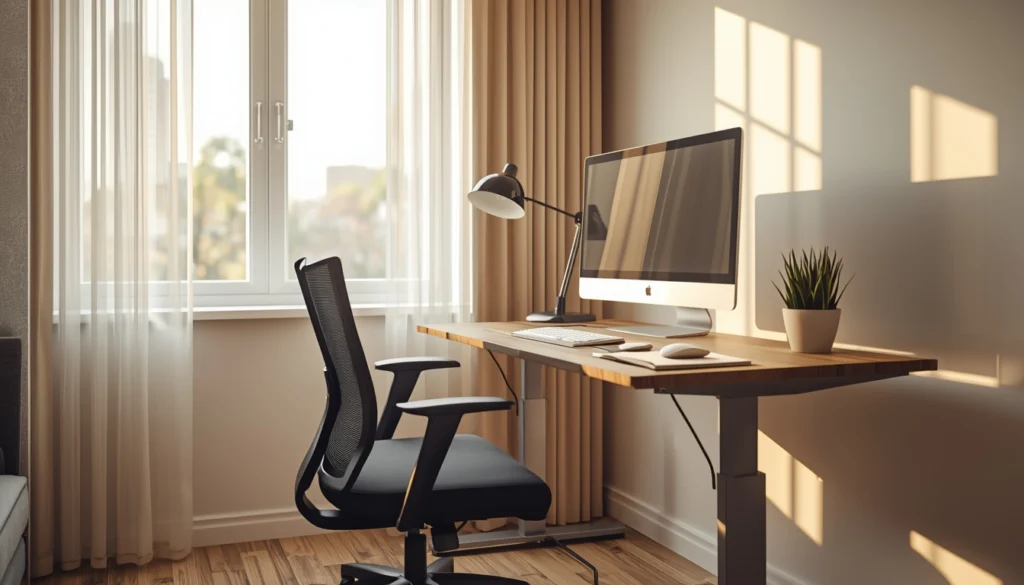
The ergonomic minimum for a Nagpur home office: desk surface at elbow height when seated (typically
28 to 30 inches from floor for most adults), monitor top at or slightly below eye level when seated upright,
keyboard and mouse surface within natural reach without shoulder elevation, and a chair with lumbar
support and adjustable height. None of this requires expensive furniture — a quality ergonomic chair from
Featherlite or a mid-range import (Rs. 8,000 to Rs. 18,000) and a properly dimensioned built-in or
purchased desk handles it.
Screen position matters for Nagpur’s climate specifically: avoid placing the desk so that a window is
behind the monitor or directly in front of it. Behind the monitor creates glare that makes the screen
unreadable. In front of it creates severe backlight that affects how you look on video calls. The best desk
position in a Nagpur home office is with a window to the side — daylight illuminates you naturally
without creating screen issues.
Video Call Background: Design It Intentionally
If you are on video calls regularly for work, the wall behind you has become part of your professional
presentation. A plain painted wall in a neutral colour is always the safest choice and consistently reads as
professional. A bookcase with books and a few considered objects behind you reads as intellectually
engaged. A white wall is better than a visually cluttered background, but a warm off-white or a soft warm
grey is more flattering than pure white under artificial light.
What to avoid: a bedroom background with a visible bed or open wardrobe. A kitchen background. A wall
with family photographs that the other party on the call is reading instead of listening to you. A window
directly behind you that creates silhouette lighting and makes you appear as a dark shape.
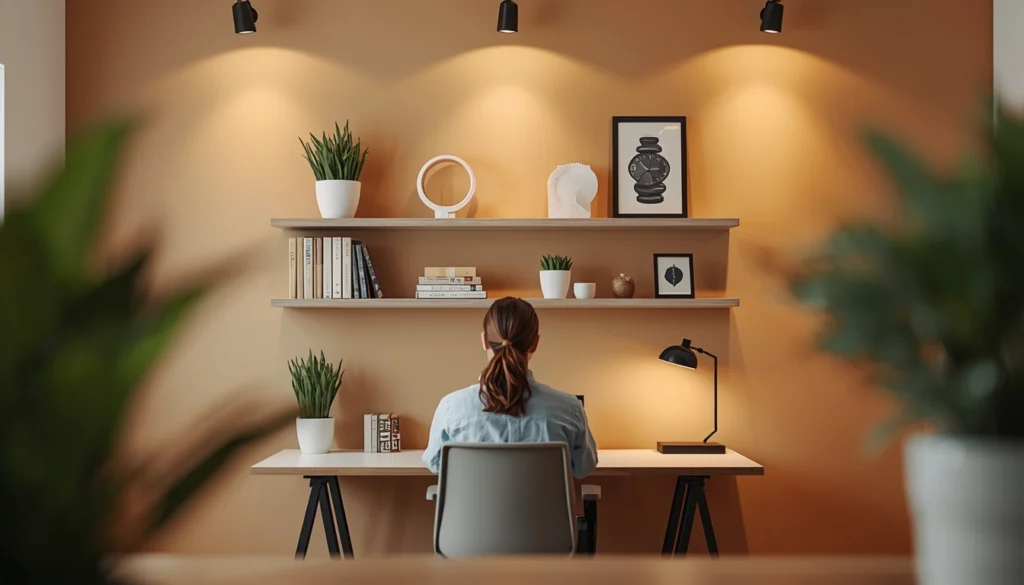
For a dedicated Nagpur home office with video call use: one wall treated intentionally as the call
background — a few quality shelves, a plant, a piece of art. This does not require significant investment.
Three floating shelves and a considered arrangement: Rs. 3,000 to Rs. 8,000. The professional impression
it creates is significant.
Lighting for an 8-Hour Workday in Nagpur
Home office lighting in Nagpur has to handle both the brilliant afternoon daylight of our summer and the
artificially lit evenings and early mornings. The ceiling ambient light alone — a single ceiling fixture — is
insufficient for sustained desk work. It creates harsh downlighting that casts shadows on papers and causes
screen glare.
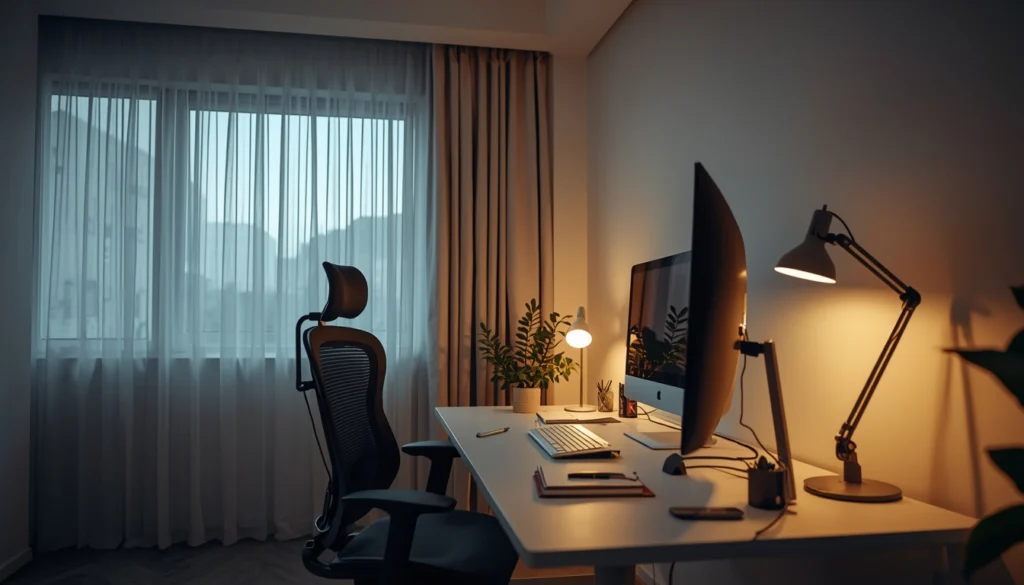
The right lighting scheme for a Nagpur home office: ambient ceiling light at neutral white (3500K to
4000K — more alert than bedroom warm white, appropriate for work), a desk lamp with adjustable colour
temperature for task work (warm in morning and evening, cooler in afternoon focus periods), and daylight
management via sheer curtains or blinds that diffuse rather than block natural light. A desk lamp with
tunable colour temperature (2700K to 5000K) is available from brands like Syska and Phillips in the Rs.
1,500 to Rs. 4,000 range and genuinely changes the working day quality.
What Does a Home Office Design Cost in Nagpur?
A dedicated home office room in Nagpur — built-in desk and shelving, ergonomic chair, proper lighting,
paint, acoustic rug, door upgrade — runs Rs. 55,000 to Rs. 1.5 lakh depending on the size of the built-ins
and the quality of the chair. A bedroom study corner conversion: Rs. 20,000 to Rs. 50,000. At QC
Interiors, home office design has become one of the most requested project types in the last four years.
Reach out for a free consultation. For businesses and professionals in Vidarbha, we also handle office interiors in Yavatmal with the same attention to ergonomics and functionality.
Equipment and Technology in a Nagpur Home Office
Nagpur’s power supply situation is worth designing around. Power cuts, voltage fluctuations, and brief
outages are more frequent in parts of Nagpur than in metro cities — particularly in older residential areas.
For a home office that depends on powered equipment: a UPS for the desktop or monitor setup (Rs. 3,000
to Rs. 6,000 for a basic model adequate for a desktop setup) prevents data loss and allows orderly
shutdown. A good surge protector on all equipment is a minimum requirement.
Internet connectivity for a home office in Nagpur: fibre broadband is now available across most of the city
from BSNL, Jio Fibre, Airtel, and several local ISPs. If your Nagpur flat is in a newer development along
Wardha Road or Besa, check specifically which providers have fibre infrastructure in that building before
committing to a connection. Some newer buildings have pre-ducted conduit for internet cabling — worth
asking the builder specifically before the flat is handed over, as adding conduit later requires wall chasing.
For the home office furniture layout: keep the router and power conditioning equipment together in one
managed zone rather than spread across multiple extension cords. A small equipment rack or a dedicated
shelf with cable management for the router, UPS, and any hard drives makes the technical side of the home
office look intentional rather than improvised.
